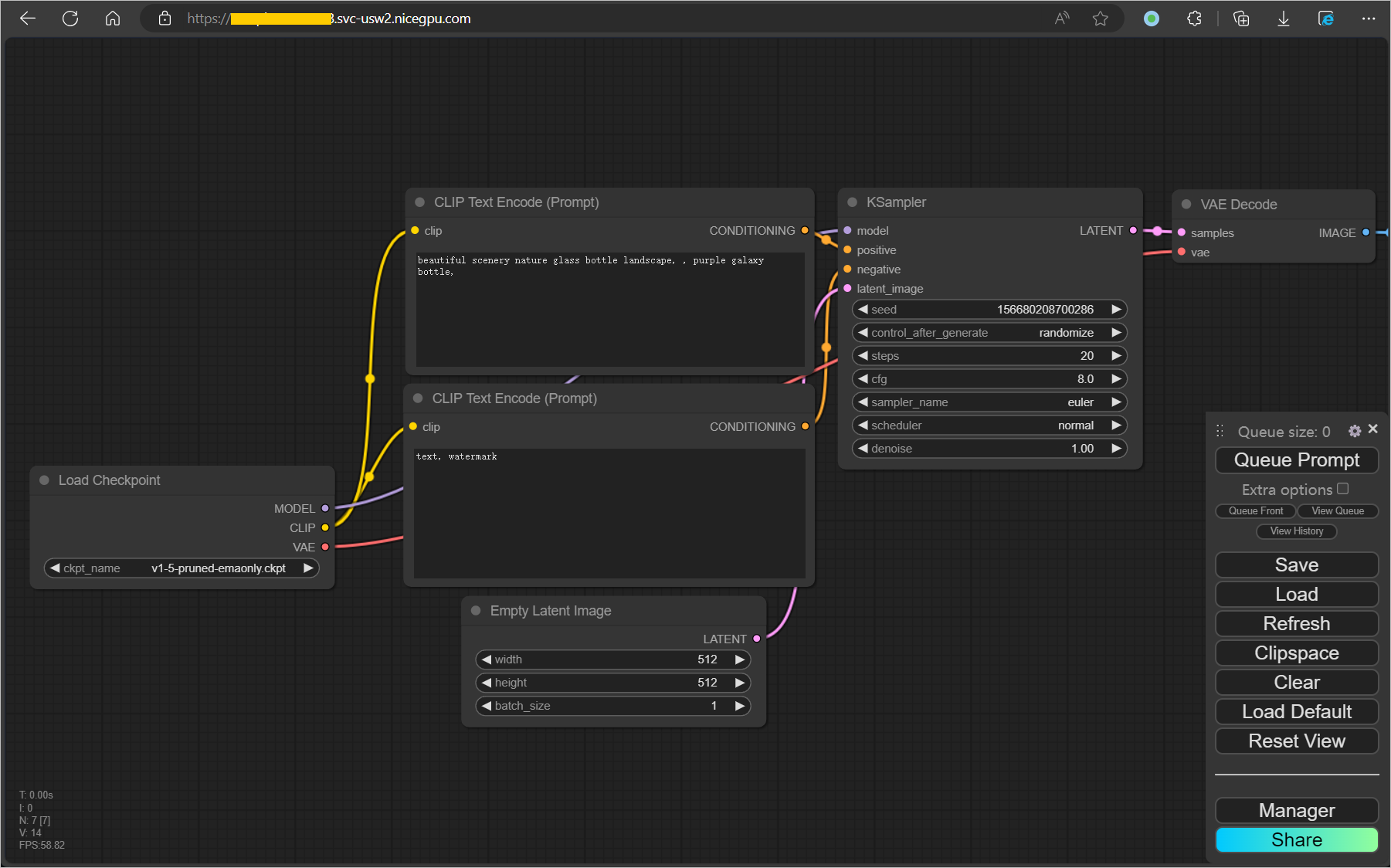
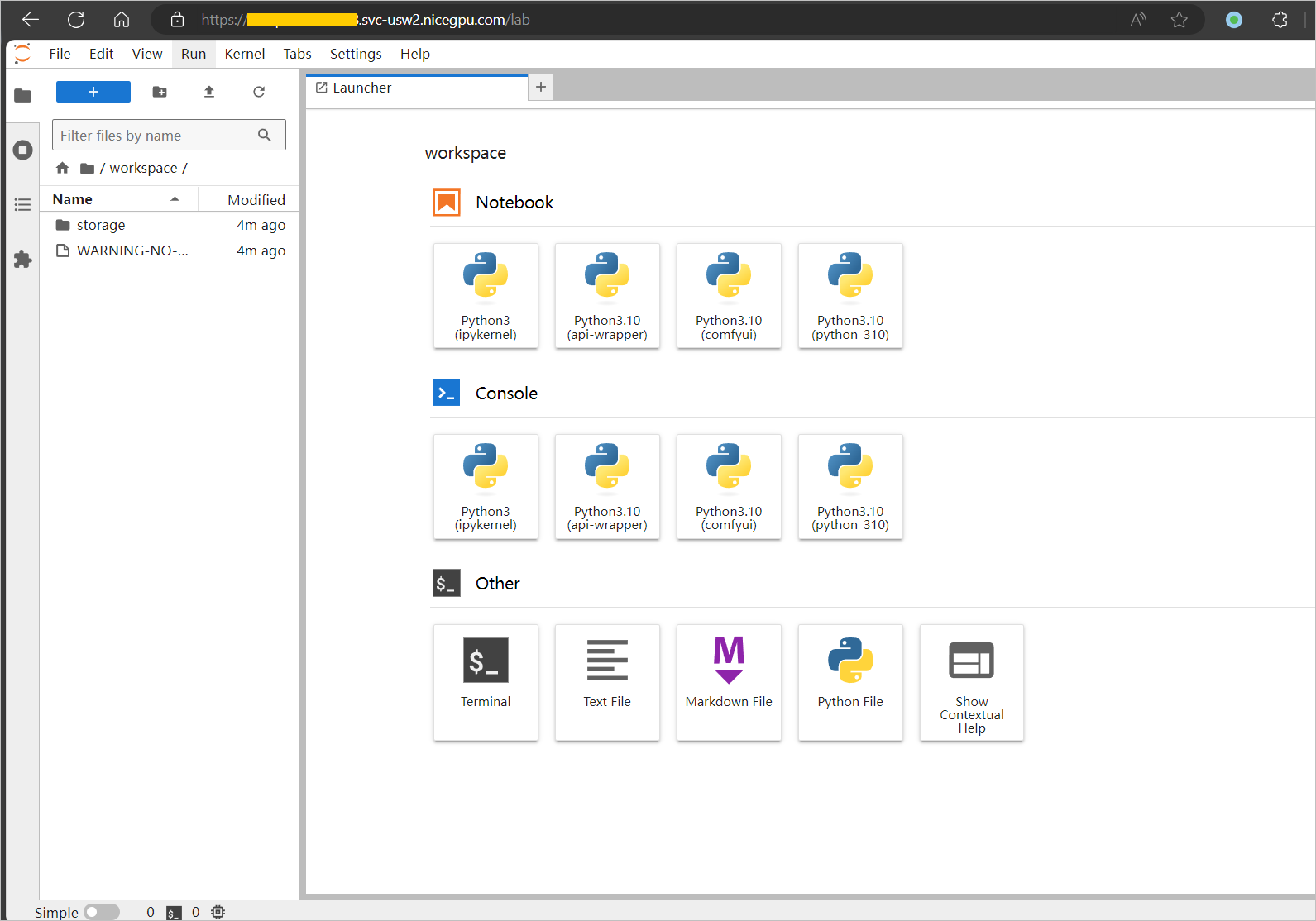
How to Use ComfyUI
ComfyUI is a Stable Diffusion operation interface based on node workflows, which allows for more precise workflow customization through processes. This template uses the open-source AI-Dock ComfyUI image, which comes pre-installed with ComfyUI and JupyterLab, and provides login authentication and file synchronization functions.
1. Create an Instance
Select a suitable machine to create an instance.
2. Access the Instance
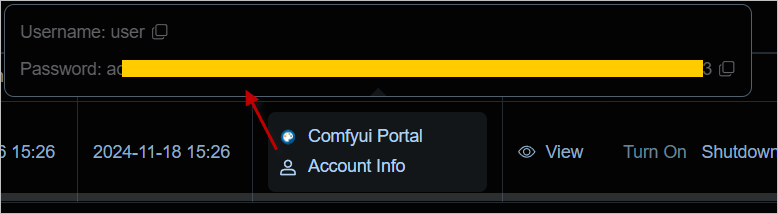
After the instance is successfully launched, obtain the username and password through the Compute Power Connection button, and then log in to the ComfyUI Portal interface.
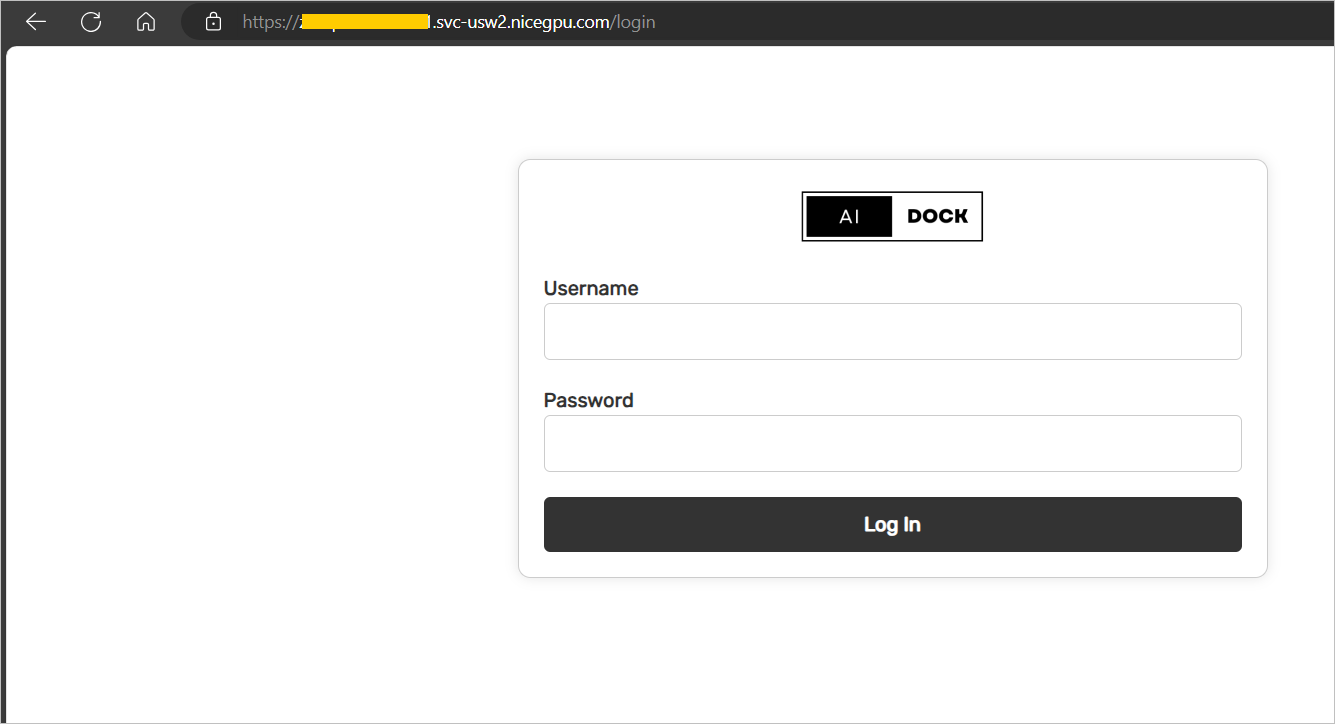
3. Confirm the Service Status
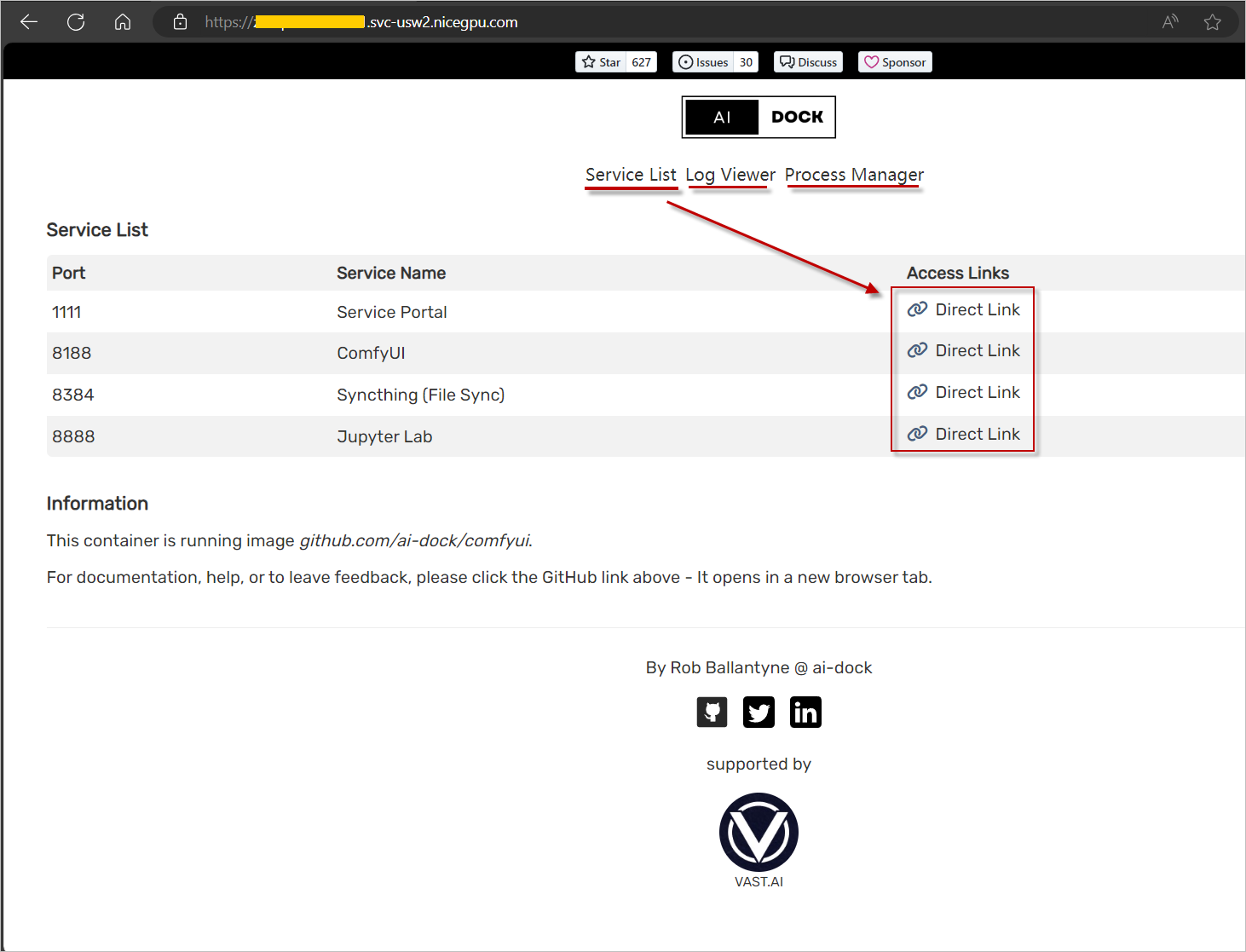
After successful login, you can see the 4 main services provided, as well as additional services such as service status and logs.
4. Start Using
Click the Direct Link of the corresponding service to directly access services such as ComfyUI or Jupyter Lab.